Instructional Video
Context
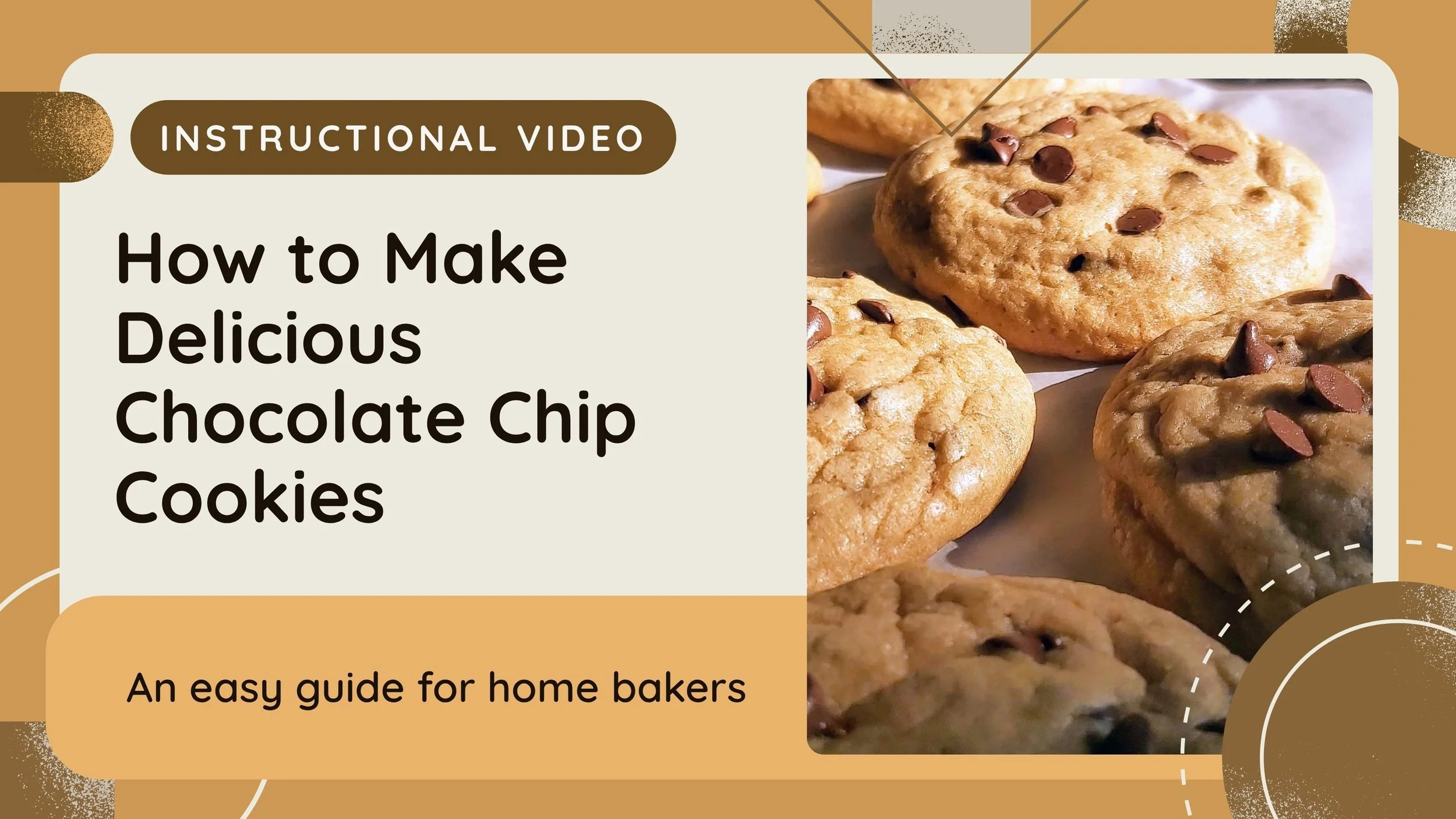
This instructional video was created for EME 5602, Technology and Design. I chose to build on my earlier multimedia lesson about baking cookies, which gave me a solid foundation to focus on refining the visual and instructional design. The goal of the assignment was to integrate visuals, narration, and design principles to clearly communicate a process, in this case, cookie-making.
Conditions
I designed the video entirely in PowerPoint, creating the script, narration, visual layout, and animation timing. I manually advanced through each visual effect and animation as I recorded the narration to keep everything synchronized. The project required applying multiple instructional design principles such as pairing audio with visuals, maintaining continuity across all slides, and sequencing information clearly.
Scope
The final product was approximately three minutes long and functions as a standalone instructional tool. It presents a comprehensive learning sequence, from capturing interest and stating objectives to walking through the steps, offering tips, and concluding with a brief recap. While the video was created for the course, it can also be shared with real learners in an informal or introductory cooking setting.
Role
I served as the designer, narrator, and developer. I wrote the script, created all the visual content, timed the transitions, and ensured that the final video was cohesive and easy to follow. This hands-on approach helped me better understand how intentional visual design can support learning, especially when paired with voiceover and pacing.
Key Competencies Demonstrated
Instructional Design & Structure
Aligned the video structure with Gagné’s instructional events: gained attention, stated objectives, presented content, offered guidance, and reinforced learning with a closing summary.
Chunked content into clear, manageable steps to make the process easier to follow.
Visual & Multimedia Principles
Applied the contiguity principle by placing related text and graphics together on key slides.
Applied the multimedia principle by combining relevant visuals and narration.
Ensured audio was present on every screen for continuity and engagement.
Technology & Development Skills
Used PowerPoint for design and manual animation timing during narration to match visuals with spoken content.
Applied graphics and structured animations to reinforce the content visually.
Communication & Clarity
Maintained a conversational and clear narration tone throughout the video.
Selected visuals to support the narrated instructions, guiding learners visually through each step.